


Unibox
MessageComposer
The Unibox reply box: text, emoji and staged images in one rounded field, with a send button that springs awake when there is something to send.
Usage#
Use it for replying in a conversation on any channel. Emoji are plain UTF-8 in the text.
What you provide
- Text:
valueandonChange. - Images:
attachments(ComposerAttachment[], each{ id, file, previewUrl }),onAddFiles(files)andonRemoveAttachment(id). - Sending:
onSubmit(the parent sends and clears) andisSending. - Optional:
takeoverNotice(default false), which warns that sending stops Max's sequence for this contact; andinputRef.
Anatomy
- Staged images are
size-20 rounded-xlthumbnails with a remove button on hover. - The field is
rounded-2xl border-input bg-background/70 px-2 py-1 backdrop-blur-sm. On focus-within it gainsborder-primary/40 ring-2 ring-primary/20 shadow-lg shadow-primary/10over 200ms. - Round
size-9attach and emoji buttons, then a one-row textarea capped atmax-h-32. - Send is a
size-9circle:bg-primary shadow-md shadow-primary/30when there is something to send, muted otherwise. Belowsmit becomes a labelled "Send" button.
Behaviour
- Enter sends and Shift+Enter adds a line. A pasted file is staged, and an image alone is sendable.
- The file picker accepts PNG, JPEG, GIF and WebP. The app's staging hook limits a message to 5 images and 4 MB in total.
- The send button rests at scale 0.94 while disabled and dips to 0.86 on tap. Reduced motion removes both.
Don't submit for the user, and don't hide the takeover notice while a Max sequence may still run.
Facts#
ProductMax
FamilyUnibox
Global
window.DigitalCrew.MessageComposerSource
max-agent: src/features/unibox/ui/components/message-composer.tsxImport in the app
import { MessageComposer } from "@/features/unibox/ui/components/message-composer";API#
TypeScript declarations emitted from src/features/unibox/ui/components/message-composer.tsx.
interface MessageComposerProps {
    value: string;
    onChange: (value: string) => void;
    /** Images staged for this message, newest last. */
    attachments: ComposerAttachment[];
    onAddFiles: (files: Iterable<File> | null | undefined) => void;
    onRemoveAttachment: (id: string) => void;
    /** Send: the parent owns the request and clears the composer. */
    onSubmit: () => void;
    isSending: boolean;
    /** Explain the campaign consequence before this irreversible human send. */
    takeoverNotice?: boolean;
    /**
     * The text area itself, handed back to the parent. A reply suggestion is
     * dropped into the composer by the parent, which then puts the caret here
     * so the user can edit it without reaching for the mouse.
     */
    inputRef?: RefObject<HTMLTextAreaElement | null>;
}
export declare function MessageComposer({ value, onChange, attachments, onAddFiles, onRemoveAttachment, onSubmit, isSending, takeoverNotice, inputRef, }: MessageComposerProps): JSX.Element;Code#
The preview above, as plain React.createElement against window.DigitalCrew with realistic data. Copy it into a page that loads the bundle.
<div id="root" class="p-6"></div>
<script>
(function () {
  var h = React.createElement, DC = window.DigitalCrew, I = DC.Icons;
  var SVG = '<svg xmlns="http://www.w3.org/2000/svg" width="160" height="160" viewBox="0 0 160 160">' +
    '<defs><linearGradient id="g" x1="0" y1="0" x2="1" y2="1"><stop offset="0" stop-color="#fff4ec"/><stop offset="1" stop-color="#ffd9c2"/></linearGradient></defs>' +
    '<rect width="160" height="160" fill="url(#g)"/>' +
    '<rect x="18" y="20" width="84" height="9" rx="4" fill="#3b2a22" opacity=".8"/>' +
    '<rect x="18" y="36" width="58" height="6" rx="3" fill="#3b2a22" opacity=".35"/>' +
    '<rect x="22" y="104" width="18" height="36" rx="3" fill="#f26b3a" opacity=".55"/>' +
    '<rect x="50" y="88" width="18" height="52" rx="3" fill="#f26b3a" opacity=".7"/>' +
    '<rect x="78" y="70" width="18" height="70" rx="3" fill="#f26b3a" opacity=".85"/>' +
    '<rect x="106" y="54" width="18" height="86" rx="3" fill="#f26b3a"/>' +
    '</svg>';
  var PREVIEW = "data:image/svg+xml;charset=utf-8," + encodeURIComponent(SVG);
  function staged(name, url, size) {
    return { id: name, file: new File([new Uint8Array(size)], name, { type: "image/png" }), previewUrl: url };
  }
  var START_TEXT = "Thursday at 10 works on our side too. Sharing the Q1 rollout plan so Anouk can forward it.";
  function App() {
    var v = React.useState(START_TEXT), value = v[0], setValue = v[1];
    var a = React.useState(function () { return [staged("northwind-q1-rollout.png", PREVIEW, 184320)]; }), atts = a[0], setAtts = a[1];
    var s = React.useState(false), sending = s[0], setSending = s[1];
    return h("div", { className: "mx-auto max-w-[640px]" },
      h(DC.MessageComposer, {
        value: value, onChange: setValue, attachments: atts, isSending: sending, takeoverNotice: true,
        onAddFiles: function (files) {
          var list = Array.prototype.slice.call(files || []);
          setAtts(function (prev) {
            return prev.concat(list.map(function (f, i) { return { id: f.name + Date.now() + i, file: f, previewUrl: URL.createObjectURL(f) }; }));
          });
        },
        onRemoveAttachment: function (id) { setAtts(function (prev) { return prev.filter(function (x) { return x.id !== id; }); }); },
        onSubmit: function () {
          setSending(true);
          setTimeout(function () { setSending(false); setValue(""); setAtts([]); }, 900);
          setTimeout(function () { setValue(START_TEXT); setAtts([staged("northwind-q1-rollout.png", PREVIEW, 184320)]); }, 3200);
        }
      }));
  }
  ReactDOM.createRoot(document.getElementById("root")).render(h(DC.TooltipProvider, { delayDuration: 80 }, h(App)));
})();
</script>
More in Unibox#
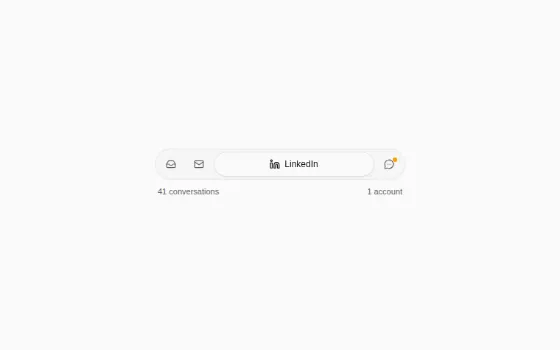
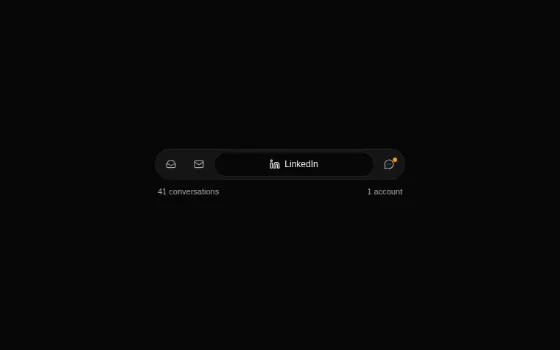
ChannelSegmentsChannel filter: one gliding pill, only the selected segment is labelled
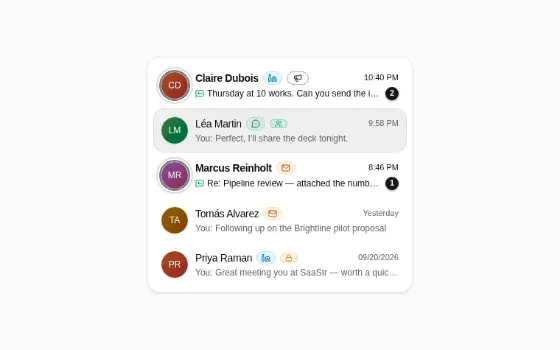
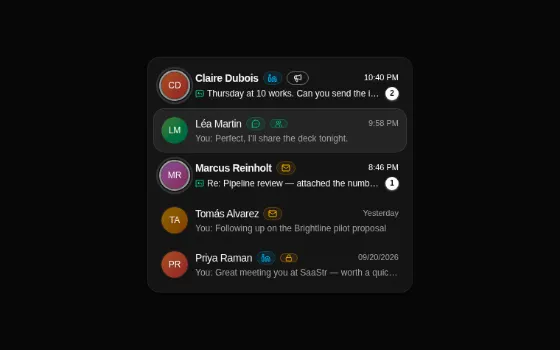
ChatListItemOne conversation row: unread ring and badge, channel, reply cue
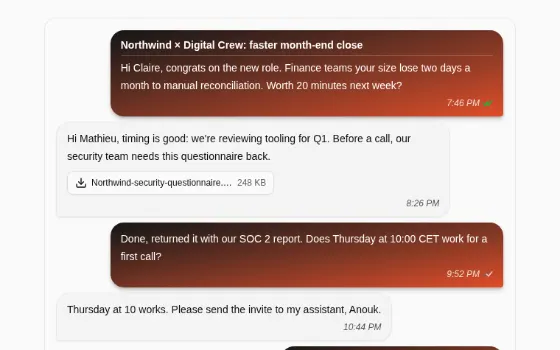
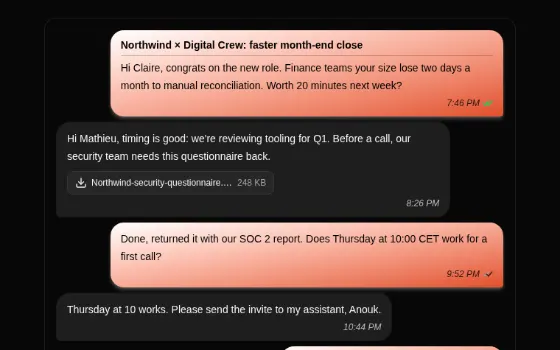
MessageBubbleThread bubbles: yours in the brand gradient, theirs in muted glass
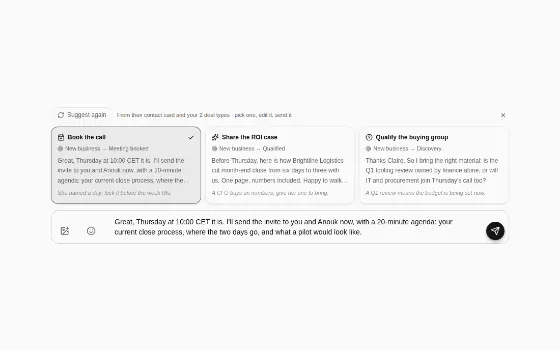
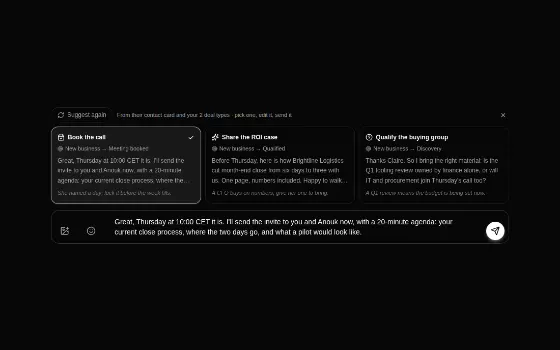
ReplySuggestionsSuggested replies between thread and composer; a pick fills the box, never sends
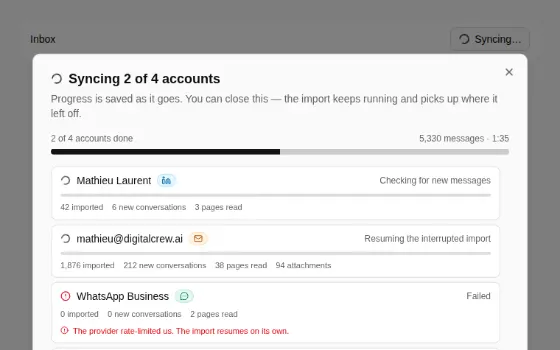
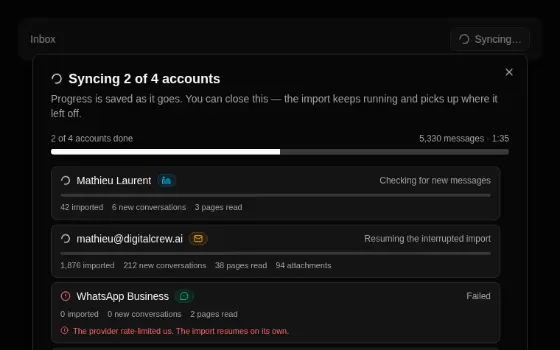
SyncProgressPanelThe sync, watched: accounts done, per-account counters, a live activity log
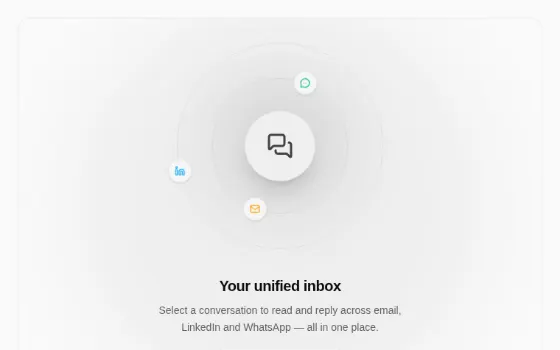

UniboxIdlePanelThe empty conversation pane: orb, orbiting channels, listening line