Effects
SecondBentoAnimation
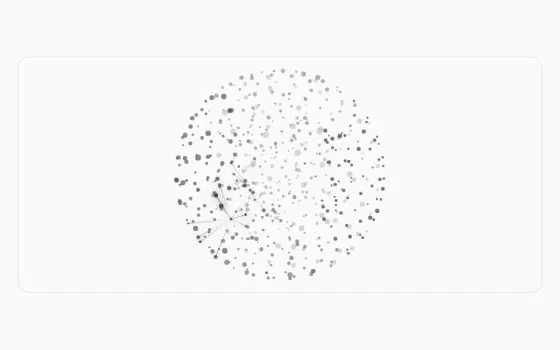
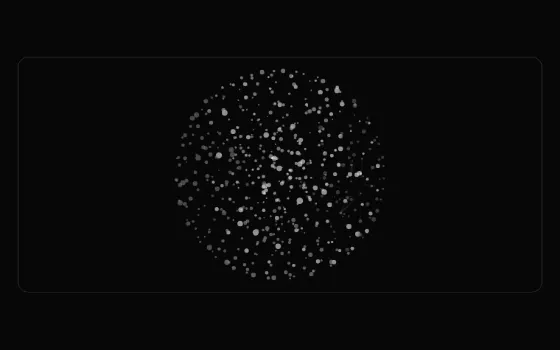
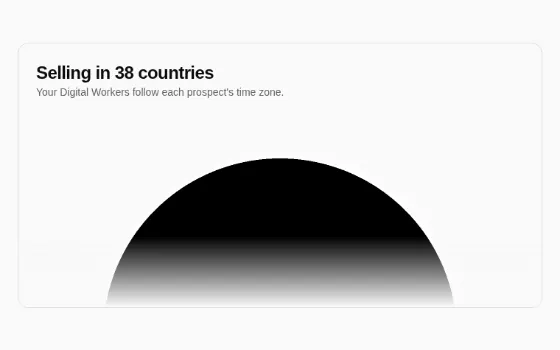
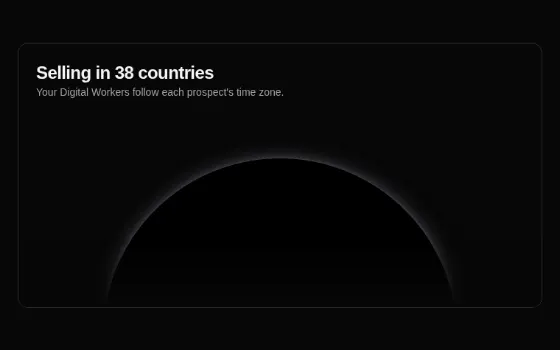
A security emblem for the bento grid: a solid shield sits on a flickering dot grid, and the whole tile is clipped to a shield silhouette until hovered.
Usage#
Use it for the "Advanced security" tile of BentoSection. It takes no props.
What you provide: a parent with a size; the component is relative flex size-full items-center justify-center overflow-hidden.
Anatomy: the tile is masked with a 265 × 268 shield SVG (mask-size: contain, centred). Inside, a second shield fills 88% of the height in var(--bento-accent) (oklch(0.85 0 0) on light themes, oklch(0.4 0 0) on dark ones). Behind it a FlickeringGrid (3px squares, 4px gaps, rgb(161,161,170), maxOpacity 0.7, flickerChance 0.25) fades out toward the bottom (mask-image: linear-gradient(to bottom, white, transparent)).
Behaviour: hovering removes the shield mask so the grid spills to the tile edges, over the transition-all duration-300 of the wrapper. The grid flickers only while on screen. No reduced-motion branch.
Don't put text over the shield, or use it outside a square-ish tile (the mask is sized to contain).
Facts#
window.DigitalCrew.SecondBentoAnimationdigitalcrew-orchestrator: components/second-bento-animation.tsximport { SecondBentoAnimation } from "@/components/second-bento-animation";API#
TypeScript declarations emitted from components/second-bento-animation.tsx.
export declare function SecondBentoAnimation(): JSX.Element;Code#
The preview above, as plain React.createElement against window.DigitalCrew with realistic data. Copy it into a page that loads the bundle.
<div id="root" class="p-6"></div>
<script>
(function () {
  var h = React.createElement, DC = window.DigitalCrew, I = DC.Icons;
  function App() {
    return h("div", { className: "relative flex h-[340px] items-center justify-center overflow-hidden rounded-xl border" }, h(DC.SecondBentoAnimation));
  }
  ReactDOM.createRoot(document.getElementById("root")).render(h(DC.TooltipProvider, { delayDuration: 80 }, h(App)));
})();
</script>
More in Effects#